Transform Your Next Presentation with Buketh Keynote Template
Picture this: you've spent hours crafting the perfect script for your investor pitch, workshop, or client report, but when you open your presentation software, you are staring at a blank white slide with a blinking cursor. We have all been there. It is the moment where creativity meets technical frustration, and suddenly, the content you worked so hard on feels secondary to the struggle of making the slides look professional. Whether you are a small business owner trying to secure funding, a marketer pitching a new campaign strategy, or a designer looking for a solid foundation to build upon, the visual component of your presentation is just as critical as the data you are sharing. A disjointed or amateurish slide deck can distract your audience, diluting your message before you even get to the main point. This is exactly why having a robust design asset library is essential for anyone serious about visual communication.
Why Structure and Variety Matter in Visual Communication
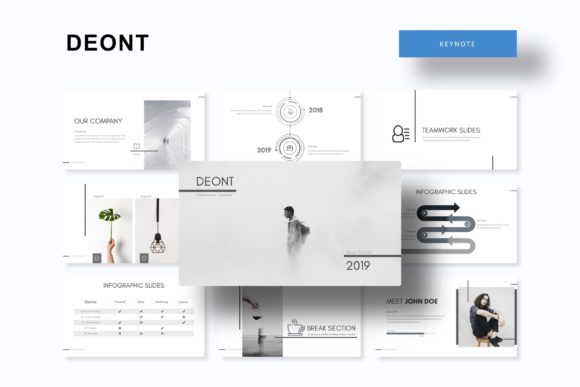
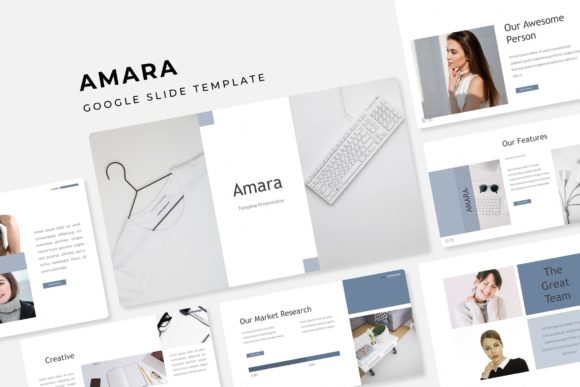
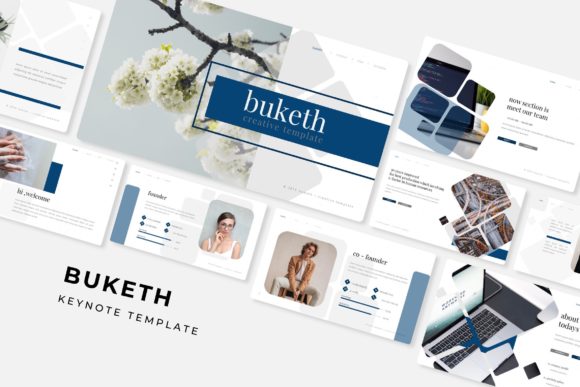
When evaluating design assets, specifically presentation templates, we often look for two things: aesthetic appeal and functional flexibility. The Buketh Keynote Template offers a compelling solution to the presentation dilemma by providing a massive library of over 150 total slides. This isn't just a collection of random layouts; it is a curated system designed to handle complex information architecture. For entrepreneurs and content creators, this volume is a game-changer. It means you are not recycling the same three layouts for a thirty-minute presentation. Instead, you can maintain visual interest by utilizing distinct section breaks, varied infographic styles, and dedicated portfolio slides that keep your audience engaged from start to finish.
The challenge with many premium templates is that while they look beautiful in the preview, they can be rigid in practice. You might find a layout that looks great for a photo-heavy introduction but fails miserably when you need to present quarterly sales data. Buketh addresses this by focusing on the underlying structure—specifically through Master Slides. For those unfamiliar, building a presentation based on Master Slides ensures that formatting remains consistent across the entire document. If you decide to change the font size or move a logo, the changes propagate correctly throughout the file. This technical backbone ensures that your brand identity remains intact, which is crucial for maintaining a professional presentation and building brand recognition.
The Power of Premade Colors and Cohesive Design
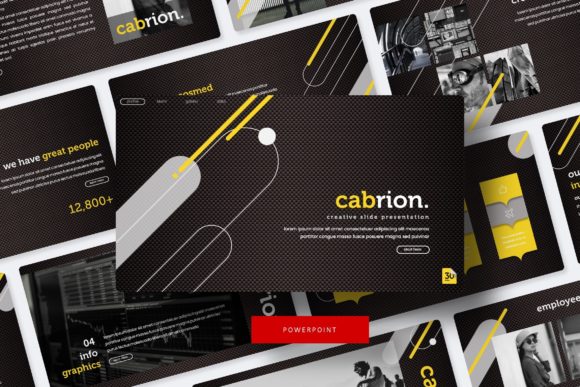
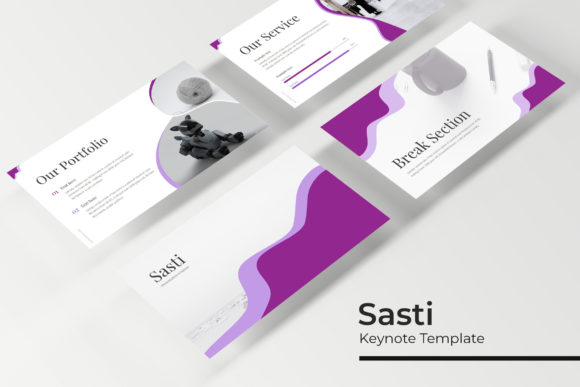
One of the most time-consuming aspects of design is color theory and application. Choosing a palette that is accessible, visually pleasing, and on-brand can take hours. The Buketh template simplifies this process by including five premade color variations, with 30 dedicated slides for each template. This approach offers a practical advantage for users who may not have a background in color theory. Instead of guessing which hex codes work well together, you have a ready-made palette that ensures visual consistency.
Think about the practical applications here. If you are a freelance designer working with multiple clients, you can utilize different color variations for different projects without having to manually re-color every element. If you are a small business owner, you can select the variation that best aligns with your existing brand guidelines. This feature is particularly helpful when creating marketing assets or social media graphics where color consistency is key to recognition. The ability to switch between five distinct moods—from corporate blues and greys to vibrant, energetic hues—makes this a versatile tool for various industries, whether you are in tech, healthcare, education, or creative arts.
Infographics and Data Visualization
In the modern business landscape, data is king, but raw data is often boring and difficult to digest. This is where handcrafted infographics come into play. The Buketh Keynote Template includes specialized slides designed to turn complex statistics into understandable visual stories. We have all sat through presentations where the speaker reads directly off a spreadsheet slide; it is the fastest way to lose an audience. By using well-designed charts, graphs, and process flows, you can guide your audience's eye to the most important takeaways.
The inclusion of resizable and editable graphic picture placeholders is a subtle but powerful feature. It allows you to drag and drop your own images directly into the design without worrying about cropping issues or resolution distortion. This is essential for creating high-quality editorial layouts and portfolio presentations. For photographers, architects, or interior designers, the visual fidelity of your images is paramount. The pixel-perfect illustrations included in the package ensure that your work is presented with the sharpness and clarity it deserves, whether you are presenting on a high-definition monitor or a projector screen.
Practical Applications for Branding and Marketing
While the primary function of this asset is as a presentation tool, its utility extends into broader brand identity work. A consistent visual language is the cornerstone of strong branding. When you use the Buketh template to create a pitch deck, you are not just selling an idea; you are demonstrating that you pay attention to detail and value quality. This psychological cue can be the difference between a "maybe" and a "yes" from a potential client or investor.
Consider the versatility required in packaging design or web design pitches. You need a slide layout that allows for large hero images alongside detailed copy. Buketh’s structure, built on widescreen (16:9) formats, accommodates this beautifully. The section break slides are particularly useful for transitioning between different parts of a proposal, such as moving from "The Problem" to "The Solution." This helps in structuring your narrative, ensuring your story flows logically. For bloggers and content creators, these templates can be repurposed for creating downloadable lead magnets or digital products, adding value to your audience while reinforcing your professional image.
Technical Flexibility and Ease of Use
A common frustration with premium templates is the learning curve. However, the Buketh template is designed with user experience in mind. The drag & drop functionality means that customization is intuitive. You do not need to be a PowerPoint or Keynote wizard to make these slides look good. The resizable and editable graphics ensure that you can scale elements up or down without losing quality, which is vital when adapting a presentation for different screens or print materials.
Furthermore, the package includes 5 PPTX Files (both standard and widescreen formats), ensuring compatibility with different presentation environments. The inclusion of a Readme First file and links to free fonts is a thoughtful touch that prevents the dreaded "missing font" error—a common pitfall when sharing files across different computers. This attention to technical detail ensures that your digital products and presentations are robust and ready for professional use.
Maximizing Your Investment in Design Assets
To get the most out of a comprehensive template like this, it helps to approach it strategically. First, identify the specific needs of your project. Are you creating a logo design presentation that requires a clean, minimalist aesthetic? Or are you building a merchandise catalog that needs bold imagery? Select the color variation and slide layouts that best support your goal.
Second, use the template as a starting point, not a rigid constraint. While the pre-designed slides are excellent, don't be afraid to customize them. Adjust the picture placeholders to fit your specific content, and utilize the infographic elements to visualize your unique data. Finally, remember that a great template supports your content, it doesn't overshadow it. The goal is to use the pixel-perfect illustrations and clean typography to enhance your message, ensuring that your audience focuses on what you are saying, supported by how you are saying it.
Whether you are preparing for a major keynote, a client workshop, or a team meeting, having a reliable, versatile, and visually stunning set of slides can drastically reduce your preparation time and boost your confidence. It allows you to focus on the substance of your message, knowing that the visual wrapper is already handled.