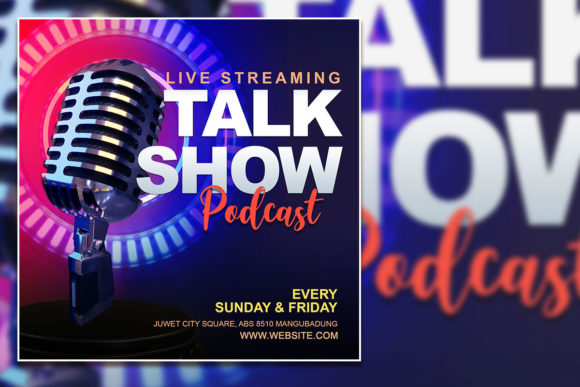
How to Create a Buzz-Worthy Talk Show Podcast Flyer
Imagine you’ve just booked a guest, finalized your talking points, and you are ready to record the next big episode of your show. But there is a problem: nobody knows about it yet. In the crowded world of digital content, audio alone isn't always enough to cut through the noise. You need a visual hook. You need something that makes a potential listener stop scrolling on Instagram or Facebook and pay attention. This is exactly where having a high-quality, editable template changes the game. It turns your audio event into a visual experience before they even press play.
Whether you are launching a weekly podcast, hosting a live karaoke night, or running a digital talk show, your marketing materials are the first impression you make. A generic post gets ignored, but a professional, branded flyer builds anticipation. It signals to your audience that you take your craft seriously. It’s not just about posting a date and time; it’s about creating an atmosphere. With the right design assets, you can bridge the gap between your audio content and your visual brand identity, ensuring that every episode launch feels like a major event.
Why Visuals Matter for Audio Content
It might seem counterintuitive to focus heavily on design when your primary product is sound. However, social media algorithms prioritize visual engagement. When you promote a talk show podcast on social media, the image is the gatekeeper. If the image is blurry, pixelated, or poorly designed, the user assumes the audio quality will be the same. A sharp, 2000 x 2000 pixel design with a 300 dpi resolution ensures that your graphics look crisp on high-definition screens, whether it’s an Instagram story or a Facebook event cover.
Think of your flyer as the cover of a magazine. It needs to communicate the vibe instantly. Is your show serious and investigative? Is it fun and conversational? Is it a high-energy karaoke celebration? The typography, color palette, and layout need to tell that story in a split second. By using a professional template, you bypass the struggle of starting from a blank canvas. You get a structure that is already balanced and visually appealing, allowing you to focus on the content rather than the technicalities of graphic design.
Streamlining Your Workflow with Editable Assets
For the busy entrepreneur or content creator, time is your most valuable resource. You cannot afford to spend three hours fiddling with design software every time you want to announce a new episode. This is where the value of an organized PSD file comes in. When you download a template that includes organized layers and uses Adobe Photoshop, the editing process becomes intuitive. You aren't just buying an image; you are buying efficiency.
The process is designed to be frictionless. You open the file, select the text with the text tool, and replace the placeholder copy with your own details. Want to change the font to match your specific brand guidelines? You can do that instantly. Want to swap out the stock photo for a headshot of your guest? Simply drag and drop your image into the designated layer. This level of customization allows you to maintain visual consistency across all your marketing channels. Your audience will start to recognize your style, which is a crucial step in building brand recognition.
Practical Applications Beyond the Podcast
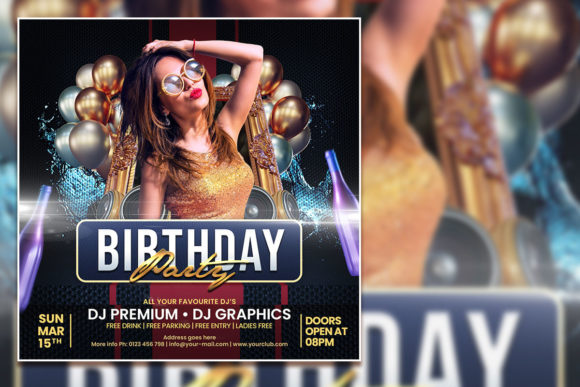
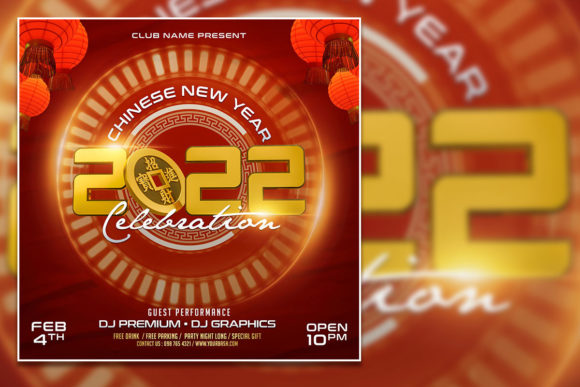
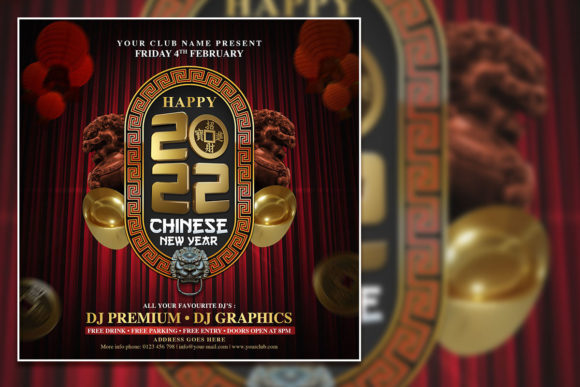
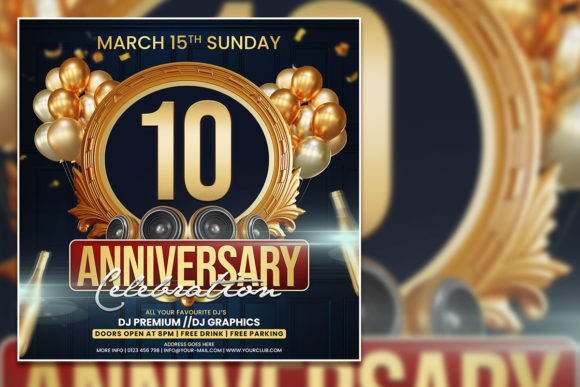
While the primary use case is promoting a talk show, the versatility of a high-quality template extends much further. If you are a small business owner, you might host monthly Q&A sessions or webinars. A template like this is perfect for creating event invitations that look professional and inviting. If you run a community center or a bar, the same design can be tweaked for a karaoke night, creating a festive vibe that encourages people to attend.
Here are a few ways you can repurpose a single high-quality template:
- Social Media Graphics: Resize and crop for Instagram posts, Stories, Facebook covers, and Twitter headers.
- Print Materials: Use the 300 dpi file to print flyers for local distribution or posters for your studio.
- Digital Products: If you sell digital assets or courses, use the layout to create mockups or promotional banners.
- YouTube Thumbnails: Extract elements from the design to create cohesive thumbnails for your video podcast episodes.
The ability to adapt one design asset for multiple platforms saves money and strengthens your brand identity. When your Instagram post matches your website banner and your printed flyer, you look established and credible.
Designing for Engagement and Professionalism
There is a psychological component to good design. When a potential listener sees a polished graphic, they subconsciously attribute authority to the creator. They are more likely to trust that the content will be high-quality because the presentation is high-quality. This is vital for growing an audience. If you are competing against established shows with big budgets, your visuals need to stand shoulder-to-shoulder with theirs.
Using a premium font and a clean layout helps with readability. If your text is hard to read because of a poor font choice or a cluttered background, your message gets lost. A well-designed template guides the viewer’s eye from the headline (the name of your show) to the details (the date, time, and where to listen). This hierarchy of information ensures that the viewer gets the necessary details without feeling overwhelmed.
Maximizing Your Marketing Potential
To truly leverage your talk show podcast social media post, you need to think about the entire ecosystem of your brand. Don't just post the flyer once and forget about it. Create a series of graphics leading up to the event. Use the template to create a "Coming Soon" teaser, a "Guest Reveal" graphic, and a "Live Now" announcement. By using the same design template for all three, you create a cohesive narrative arc that builds excitement.
Furthermore, consider the technical aspects of your download. Having access to the font download link included in the help file is a significant advantage. It ensures that if you ever need to create new materials that match the template, you have the exact typeface on hand. This consistency is key to professional branding. It prevents the jarring effect of using a mismatched font on a follow-up post.
Ultimately, the goal is to make your content look as good as it sounds. Whether you are a hobbyist sharing your passion with the world or a business owner using a podcast to drive leads, the visual wrapper matters. It’s the invitation to the conversation. By investing in a high-quality, fully editable template, you are equipping yourself with a tool that saves time, looks professional, and helps you connect with your audience on a visual level before they ever hear your voice.